Automate Compiling Python to a Shared Library with Py2Native
If you ship Python code to customers, you probably know the manual routine: translate each module to C, maintain a setup.py, invoke Cython yourself, then fight platform-specific linker flags to produce a .so, .pyd, or .dylib. That is the hard way. Py2Native removes the repetition. You write plain Python, run one uv command, and get a compiled native shared library.
This article focuses on the automation angle: a one-time setup, a single-command build, CI integration, and failure handling. By the end, you will be able to turn every commit into a protected shared library without touching Cython syntax, .pyx files, or hand-written C extensions.
One-Time Setup: Installing Py2Native and Preparing Your Project
Py2Native is installed as a normal project dependency through uv. There is no separate system package to configure.
Start from a fresh or existing project:
uv init protectedlib
cd protectedlib
uv add py2native
After uv add, every Py2Native command runs through uv:
uv run py2native build --help
The open-source py2native package pulls in its required dependencies automatically, including Cython, setuptools, and the platform tooling. You do not need to install Cython globally or maintain a build environment by hand.
A minimal project needs only the Python source you already have:
protectedlib/
├── main.py
├── helpers.py
└── pyproject.toml
There are no .pyx, .pxd, or custom C files to maintain. Py2Native generates the required Cython bootstrap code internally and compiles it for you.
Before building, make sure the environment meets these requirements:
- CPython 3.11–3.15, including free-threaded 3.14t and 3.15t
- A platform C compiler and linker: MSVC on Windows, GCC on Linux, or Clang on macOS
uvas the package manager- Windows 8+, manylinux2014/musl Linux, or macOS
- x86-64 or ARM64 CPU
- Internet access to download Python distributions and libraries
If you are coming from a background where you had to learn Cython syntax first, the sibling article on compiling Python to native code without learning Cython syntax covers that shift in more detail.
The Automated Pipeline: Building a Shared Library with a Single Command
The core command for a shared library is:
uv run py2native build main.py '*.py' --library
This single command replaces the manual sequence of translating sources, compiling C files, and linking platform-specific objects.
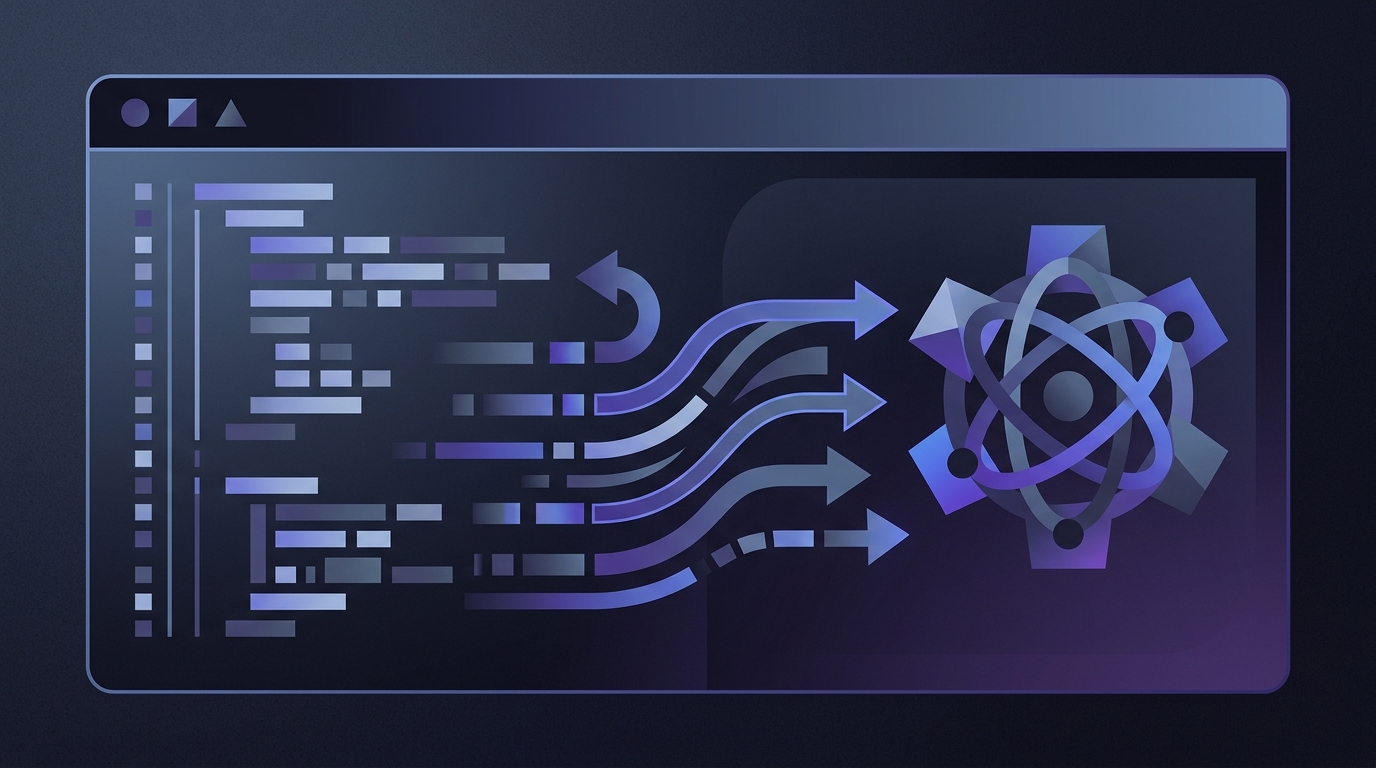
Under the hood, Py2Native automates the full pipeline:
- Glob expansion — build orchestrator expands
'*.py'into the source files. - Plugin dispatch — platform-specific hooks and optional Pro license checks run before compilation.
- Cython transpilation — source modules become C through Py2Native’s internal bootstrap and templates.
- C compilation — generated C files are compiled with the detected compiler and platform flags.
- Linking — the compiled objects are linked into a shared library.
- Optional packaging — a wheel can be produced with
--wheel, or a managed deployment directory with--embed.
The output shared library is platform-specific:
- Linux:
.so - Windows:
.pyd - macOS:
.dylib
When you also request a wheel:
uv run py2native build main.py '*.py' --library --wheel dist
Py2Native generates a PEP 427 wheel containing:
- A single compiled shared library with all of your modules
__init__.py— a meta-path finder that redirects Python imports to the native library__main__.py— the runnable entry point forpython -m
Both generated Python files are required for the wheel. You do not write or maintain them; the wheel builder creates them automatically.
Integrating the build into automation
A Makefile is often enough for local automation:
.PHONY: build clean

build:
	uv run py2native build main.py '*.py' --library --wheel dist

clean:
	rm -rf build dist *.so *.pyd *.dylib
In CI, after checking out the repository and running uv sync, the build step is just the same Py2Native command:
steps:
  - uses: actions/checkout@v4

  - name: Sync uv dependencies
    run: uv sync

  - name: Build native shared library
    run: uv run py2native build main.py '*.py' --library --wheel dist
If your sources live under a subdirectory such as src/, use --base to control where the build orchestrator resolves glob patterns:
uv run py2native build main.py '*.py' --library --base src
For Windows GUI applications, add --no-console so the produced executable or library entry point does not open a console window where one is not wanted.
Pro license verification in the automated build
If you use the Pro plugin, the same build can embed JWT-based license verification:
uv run py2native build main.py '*.py' --library \
  --license license.dat \
  --public public.pem
With Pro enabled, you include the plugin-provided .pxd declaration in the code that performs startup checks. Your startup path calls the compiled verification logic with the runtime license key. The Pro plugin bakes the signature verification code and public key directly into the compiled library, so only the public key is exposed. The elliptic-curve verification is handled by compiled code without third-party libraries.
A typical Pro signing workflow looks like this:
# Generate an EC P-256 keypair once
uv run py2native keygen private.pem public.pem

# Sign a JWT license for a customer
uv run py2native sign --private private.pem '{"sub":"customer-1"}' license.dat

# Inspect the claims later
uv run py2native show --public public.pem license.dat
For a deeper walkthrough, see Secure Your Python App with Built-in License Verification.
Monitoring and Failure Handling in Automated Builds
Automated builds fail loudly, which is what you want. Capture the full build log in CI:
uv run py2native build main.py '*.py' --library --wheel dist 2>&1 | tee build.log
Common failures include:
- Missing C compiler — install the platform toolchain and make sure the compiler is on
PATH. - Unsupported Python version — pin the build environment to CPython 3.11–3.15.
- Duplicate module names — Py2Native cannot compile two source files with identical module names. Rename one of the modules.
- Missing
uvor unresolved dependencies — runuv syncbefore the build step and allow network access during CI.
In CI systems, attach build.log as an artifact and configure your provider’s native failure notifications on the build step. A failed compile should produce an actionable log, not a silent broken artifact.
When you produce a wheel, verify its contents before deploying:
uv run python -m zipfile -l dist/*.whl
You should see the compiled .so/.pyd/.dylib, __init__.py, and __main__.py. On Linux, Py2Native integrates auditwheel repair into the build path so wheels are made manylinux/musl compatible without a separate manual repair stage.
Best Practices for Automating Shared Library Compilation
These practices keep the automated pipeline stable as your codebase grows.
- Keep source files organized and unique. Avoid duplicate module names across source files. A clear directory layout also makes
--baseand glob patterns predictable. - Trigger builds on commits. Let CI build the shared library on every push. This catches compiler or platform issues before release day.
- Test the compiled artifact in a clean environment. After building a wheel, install it into a fresh
uvenvironment and import the package. Third-party libraries remain Python source, so make sure your environment still resolves them. - Separate signing keys from build keys. Pro users should never commit
private.pem. Store it in a secrets manager or offline storage. Only the public key is needed during the build with--public. - Audit the generated wheel contents. Treat the compiled wheel as the release artifact, not as an afterthought. A quick content check prevents shipping an incomplete package.
If you are still evaluating approaches, take a look at Python Code Protection Tools Compared: Which Is Best?.
FAQ
Q: Can I compile Python to a shared library without writing any Cython code?
Yes. Py2Native automates the entire process. You write plain Python, and uv run py2native build --library handles Cython transpilation, C compilation, and linking into a shared library (.so/.pyd/.dylib).
Q: How do I automate the compilation process in my CI/CD pipeline?
Add the Py2Native build command to your CI script. For example, in GitHub Actions, install uv, run uv sync, then execute uv run py2native build main.py '*.py' --library. The build produces the shared library artifact that you can package or deploy.
Q: Does Py2Native support cross-platform shared library compilation?
Py2Native supports Windows, Linux, and macOS. Run the build on the target platform or use an appropriate cross-compilation setup, because the output shared library is platform-specific. Py2Native automatically detects the platform and applies the correct compiler and linker flags.
Q: Can I include license verification in my compiled shared library?
Yes, with the Pro plugin. Use --license and --public during the build to embed JWT-based license verification. The public key and verification code are compiled into the binary, providing a secure way to control access to your library.
Conclusion: Automate Your Python Protection Workflow
Py2Native turns a repetitive, multi-step Cython and linking workflow into a one-command build. After a single uv add py2native setup, every commit can produce a native shared library and an optional wheel. The open-source core is MIT licensed, while the Pro plugin adds compiled JWT license verification when you ship to paying customers.
Start with uv run py2native build in your CI pipeline. Let the automation handle glob expansion, transpilation, platform flags, and linking while you focus on the Python code itself. Explore the full CLI reference and plugin hooks on Py2Native.
Related posts
- Compile Python to Native Code Without Learning Cython Syntax
- Python Code Protection Tools Compared: Which Is Best?
- How to Distribute Python Apps Without Exposing Source Code